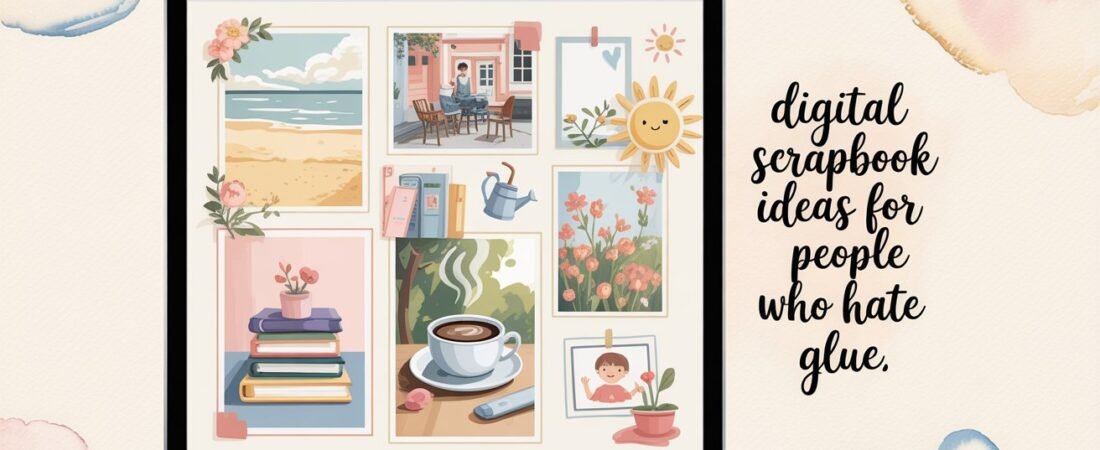
If the thought of scissors, glue, and messy paper cuts worries you, you’re not alone. Digital scrapbooking is a mess-free way to keep memories without stress. You can use Canva, Goodnotes, or Procreate to create stunning digital keepsakes. These ideas will help you make personal digital keepsakes without touching glue.
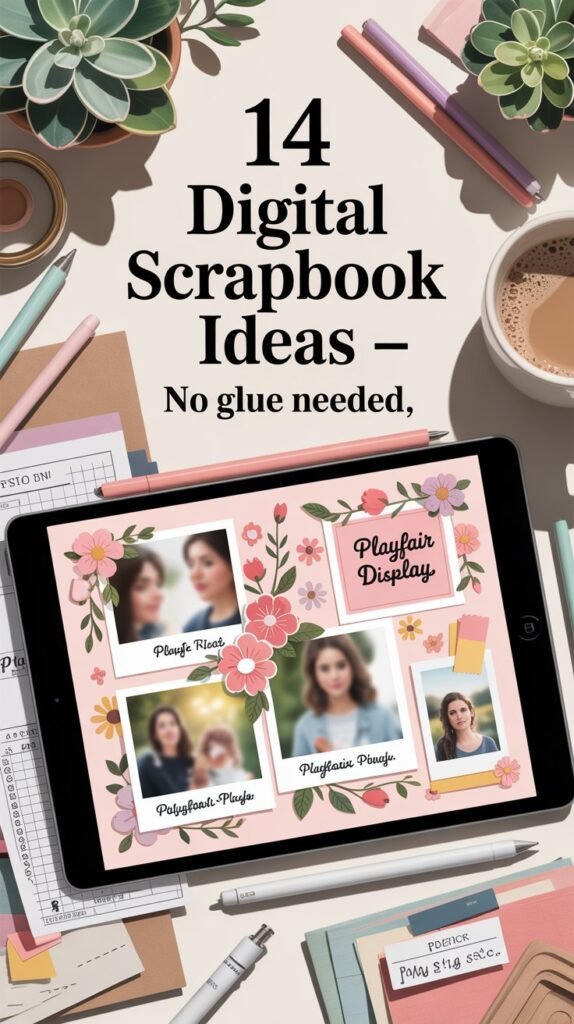
Ready to start? Here are 14 digital scrapbook ideas to make your memories shine. You’ll find handy tools and sticker packs to make your projects easy and fun. Plus, I’ve got some must-have resources for printable stickers and backing up your work.
1. Memory Lane Timeline Pages
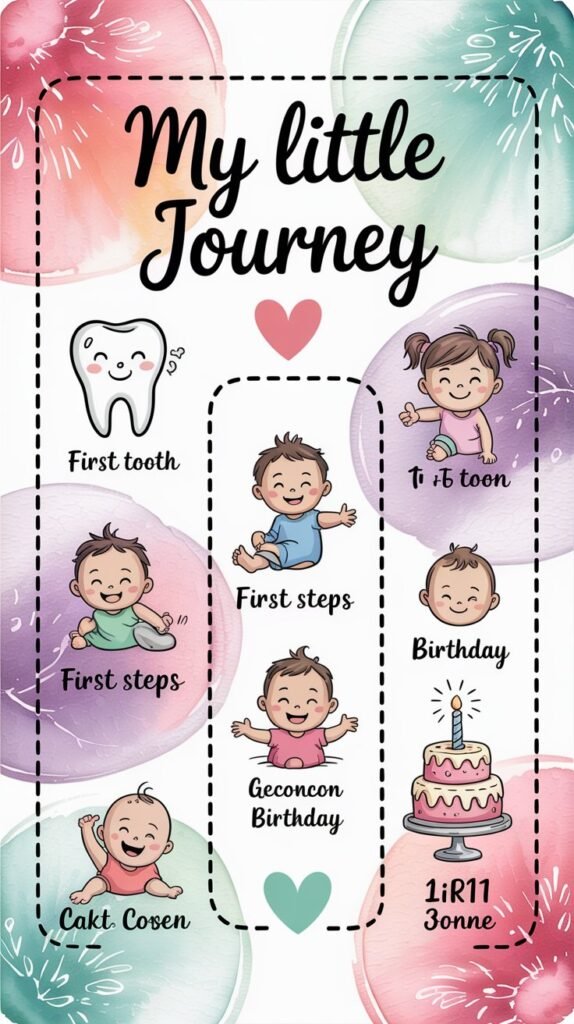
Create a clean, scrollable timeline for a vacation, baby’s first year, or your personal growth journey using Canva’s timeline templates.
- How to: Use Canva’s timeline grids to organize your events by date. Upload your photos and add captions in soft script fonts for a personal touch.
- Pro Tip: For premium templates and resizing options, try Canva Pro.
- Tech Tip: If you want to add hand-drawn elements, consider investing in a beginner-friendly digital drawing tablet for use with Procreate.
- Related Read: Get inspired by our Baby Scrapbook Ideas With How-To Tips for memory page layouts.
2. Monthly Mood Boards
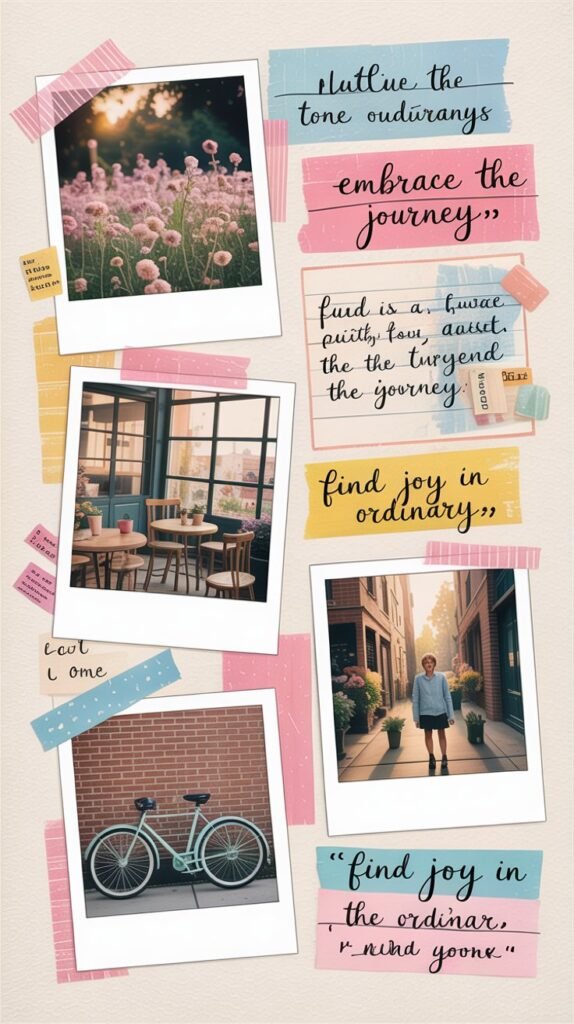
Turn your memories into monthly mood boards with dreamy themes and color palettes using Goodnotes or Canva.
- How to: Design each page like a collage—include photos, diary snippets, quotes, or even Spotify screenshots.
- Add-on: Download aesthetic digital sticker packs to instantly elevate your pages with dreamy icons and doodles.
- Print Bonus: Want physical stickers? Grab some printable sticker paper to print your own at home!
- Further Inspiration: Check out our full Baby Scrapbook Ideas for more creative layouts.
3. Memory Collage Grids
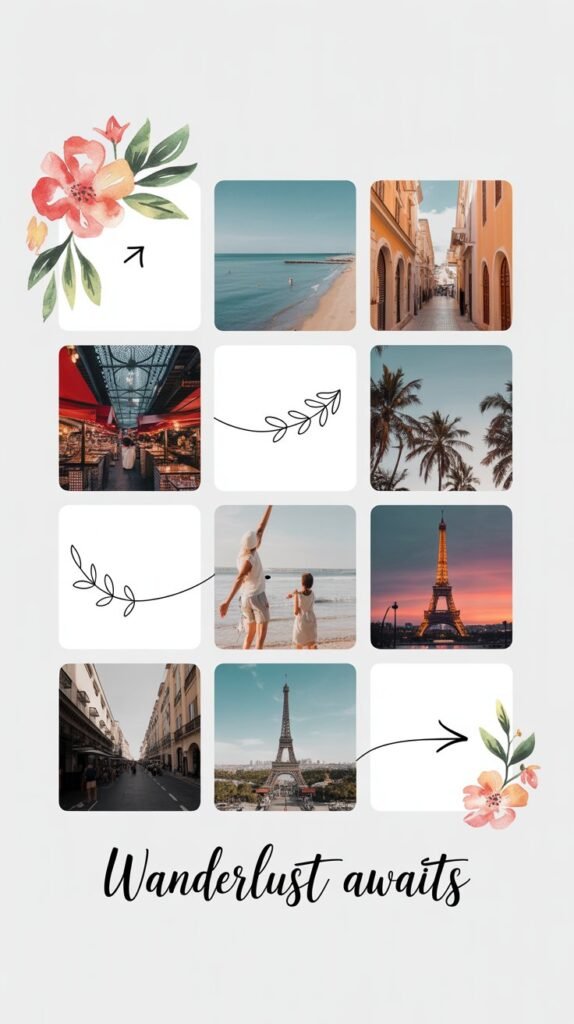
Go for a modern and neat look with structured grids that keep your memories organized.
- How to: Pick a 3×3 or 4×4 grid on Canva. Fill each square with photos, captions, or themed icons.
- Upgrade: Use Canva Pro to resize and export high-resolution pages ready for printing or sharing.
- Tech Tip: Back up your digital scrapbook files on an external drive to avoid data loss—trust me, you’ll thank yourself later!
- Style Tip: Use a consistent filter or preset on photos for a cohesive look.
4. Interactive Flipbooks
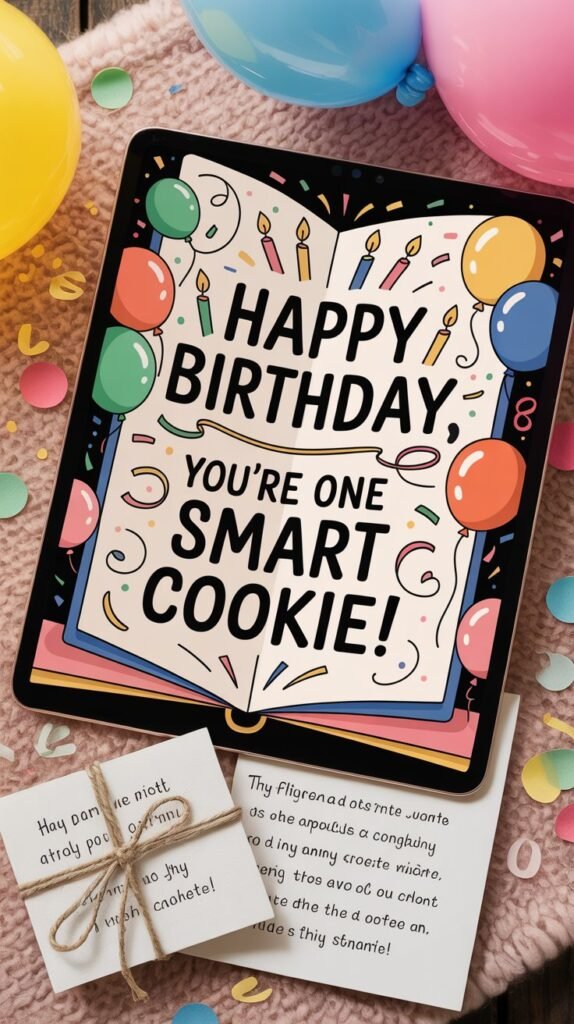
Take your digital scrapbook to the next level with realistic flipbook-style PDFs or eBooks.
- How to: After designing your pages, upload them to Designrr (affiliate) to create a flippable book experience.
- Bonus: Embed links, audio clips, or even short videos to make your memories come alive.
- Perfect For: Unique birthday gifts or heartfelt keepsakes.
- Related Resource: Check out our Couple Scrapbook Page Ideas for romantic flipbook inspiration.
5. Themed Scrapbook Albums
Design albums around a special theme like “Summer 2024,” “Weekend Getaways,” or “Mom & Me Moments.”
- How to: Use digital notebooks (Goodnotes or Canva) to create sections with cover pages, color codes, and matching fonts.
- Affiliate Tool: Grab stylish Goodnotes templates that let you drag and drop photos effortlessly.
- Extra Tip: Add printable cover designs for physical copies or gifts.
- Related Post: For baby-themed albums, see our Baby Scrapbook Ideas.
📌 Picture This: A colorful digital album cover with tabbed dividers, soft watercolor splashes, and cute handwritten titles.
6. Digital Journals with Photos
Make a digital journal by mixing journaling and scrapbooking. Add photos and your thoughts.
- How to: Use apps like Goodnotes or Notability. Insert photos and write your diary entries and doodles.
- Affiliate Idea: Get a stylus pen for better handwriting and drawing.
- Creative Tip: Use date stamps and small icons for a neat look.
- Further Reading: See our post on Birthday Scrapbook Ideas for journaling tips.
📌 Picture This: Imagine a cozy digital journal page. It has handwritten notes, polaroid pictures, and pastel stickers.
7. Digital Sticker Collections
Enhance your scrapbook with custom digital stickers that fit your theme.
- How to: Download or make sticker sheets for Canva, Goodnotes, or Procreate.
- Where to Find: Etsy has lots of digital sticker packs for scrapbooking.
- Bonus: Print your favorites on sticker paper for physical scrapbooks.
- Internal Link: Check out our Digital Scrapbook Ideas for more inspiration.
📌 Picture This: Picture a digital sticker sheet with pastel florals, cute icons, and quotes.
8. Virtual Travel Scrapbooks
Record your travel adventures in a digital scrapbook without printing.
- How to: Use Canva or Procreate for photo maps, itineraries, and favorite spots with icons.
- Affiliate Tip: Print select photos with a portable photo printer for keepsakes.
- Pro Tip: Add digital stickers and travel fonts for a fun look.
- Related Post: Get ideas from our Photo Scrapbook Ideas for layouts.
📌 Picture This: Imagine a digital travel scrapbook page. It has a world map, polaroid photos, and notes.
9. Digital Recipe Scrapbooks
Combine your favorite recipes with memories and photos in a digital scrapbook.
- How to: Design each page with the recipe, photos, and notes about the dish.
- Affiliate Suggestion: Use a tablet stand for easy access while cooking.
- Creative Idea: Include scanned handwritten family recipes for a personal touch.
- More Ideas: See our Birthday Scrapbook Ideas for themed layouts.
📌 Picture This: Picture a digital scrapbook page with a rustic kitchen, recipe cards, and handwritten font overlays.
10. Baby’s First Year Digital Album
Document every precious milestone with a digital album tailored for your little one’s first year.
- How to: Use Goodnotes or Canva to create monthly pages with photos, milestone stickers, and sweet notes.
- Affiliate Finds: Grab milestone sticker packs or printable trackers from Etsy, like these baby milestone stickers.
- Helpful Tip: Link your pages with the Baby Scrapbook Ideas article for more journaling prompts.
- Gift Idea: Turn your album into a printed keepsake or slideshow for family members.
📌 Picture This: A soft pastel digital album page with baby photos, cute animal stickers, and handwritten milestone notes.
11. Event Invitations and Memories
Create digital invites that double as scrapbook pages for birthdays, weddings, or holidays.
- How to: Design invitations in Canva with photos, custom fonts, and embellishments, then save a copy as a keepsake page.
- Affiliate Tool: Use premium Canva elements with Canva Pro for exclusive graphics and layouts.
- Double Duty: After the event, add photos and notes to the same scrapbook file for a complete memory book.
- Related Read: For romantic ideas, visit our Couple Scrapbook Page Ideas.
📌 Picture This: A festive digital invitation with floral borders, calligraphy fonts, and space for RSVP info, displayed on a tablet.
12. Scrapbook Journals and Diaries
Turn your daily journaling into a beautiful digital scrapbook with photos, stickers, and hand-drawn doodles.
- How to: Use apps like Goodnotes or Procreate to mix handwriting, typed text, and images on your pages.
- Affiliate Tip: Grab styluses like the Apple Pencil for smooth, natural writing and drawing.
- Pro Advice: Create mood-themed pages with calming colors and matching sticker packs to keep journaling fun and creative.
- Related Article: Check out Digital Scrapbook Ideas for more creative journaling tips.
📌 Picture This: A digital journal page filled with colorful handwritten notes, watercolor floral doodles, and Polaroid-style photos pinned around the text.
13. Digital Collage Art
Mix photos, scanned memorabilia, and graphic elements into artsy digital collage scrapbooks.
- How to: Combine layers in Procreate or Canva to create textured, visually rich pages.
- Affiliate Resource: Use downloadable collage kits from Etsy or purchase graphic bundles via Creative Market to enhance your designs.
- Tip: Experiment with vintage photo filters and transparent layers for a timeless look.
- More Ideas: Visit Photo Scrapbook Ideas for inspiration on layout and theme.
📌 Picture This: A moody digital collage with sepia-toned photos, torn paper edges, and handwritten notes layered with botanical graphics.
14. Digital Sticker Albums
Show off your favorite digital stickers by organizing them into themed digital sticker albums.
- How to: Use Goodnotes or Notability to create sticker pages sorted by theme—travel, food, holidays, etc.
- Affiliate Finds: Browse Amazon for digital sticker bundles or tablet accessories to organize your collection.
- Creative Hack: Turn your sticker albums into printable sheets using Canva or Designrr for physical crafting.
- Internal Link: For baby-themed stickers and ideas, check Baby Scrapbook Ideas.
📌 Picture This: A vibrant digital sticker album page with colorful icons, themed tabs, and cute handwritten labels.
FAQ: Digital Scrapbooking Tips & Tricks
Q1: What’s the easiest app for beginners to start digital scrapbooking?
A: Canva and Goodnotes are both user-friendly options. Canva offers tons of templates and drag-and-drop simplicity, while Goodnotes allows for handwriting and drawing, perfect for tablet users.
Q2: Can I print my digital scrapbook?
A: Absolutely! Most apps let you export high-res PDFs or images ready for printing. Consider using Canva Pro for best print quality.
Q3: Where can I find digital sticker packs?
A: Etsy is a goldmine for downloadable sticker packs, many of which come with personal use licenses.
Q4: How do I organize my digital scrapbook files?
A: Use folders and clear naming conventions on your device or cloud storage. Consider backing up regularly and use apps that sync across devices.
Q5: Can I add multimedia elements to my digital scrapbook?
A: Yes! Some tools like Designrr let you embed videos, audio, and hyperlinks, adding interactive layers to your scrapbooks.